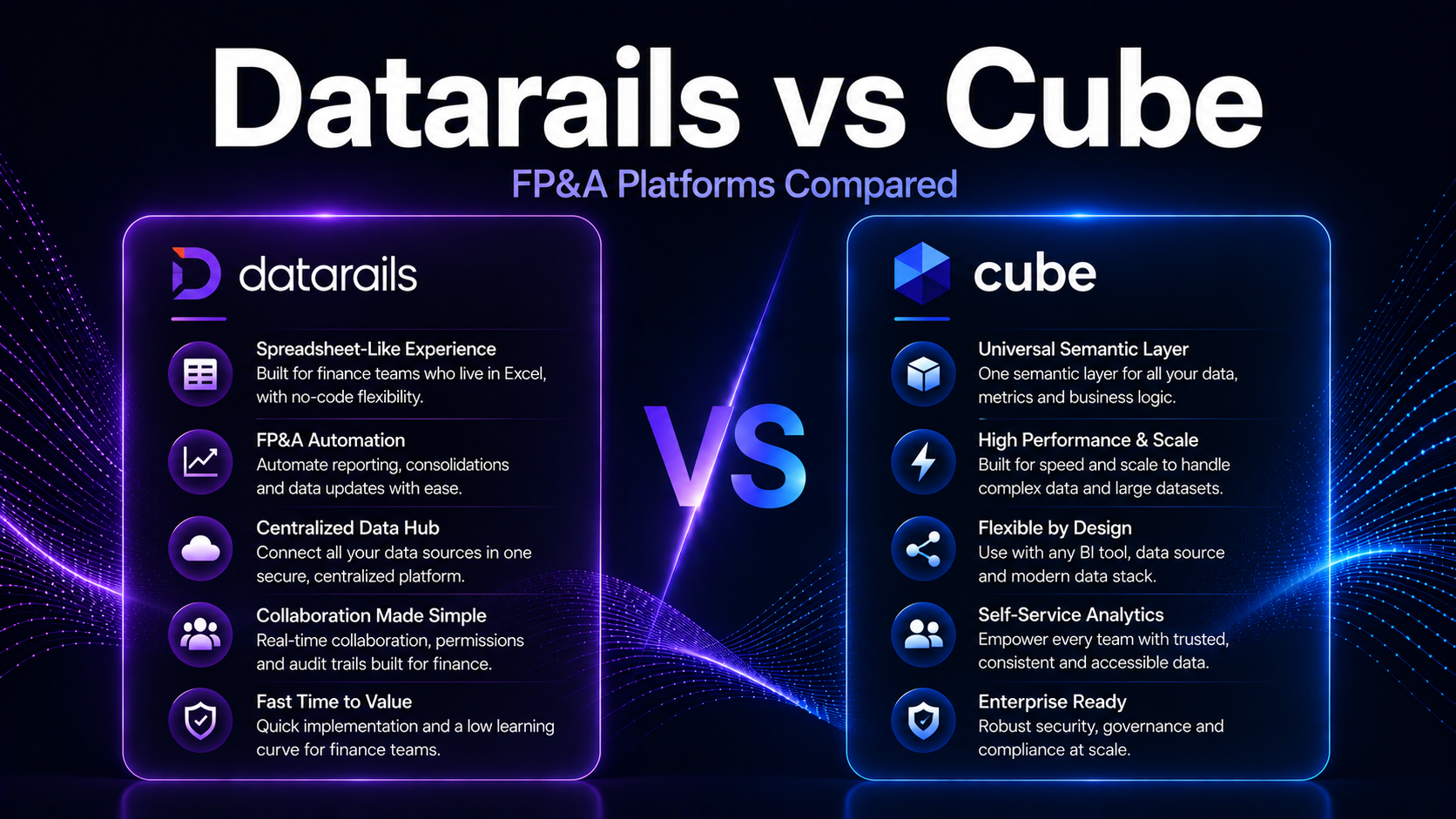
Datarails vs Cube (2026): Which FP&A Platform Is Best?
Datarails vs Cube (2026): Which FP&A Platform Is Best?
An independent head-to-head comparison of Datarails and Cube for FP&A software in 2026. Covers Excel automation, budgeting, forecasting, reporting, integrations, pricing, and which platform fits your finance team.
Datarails and Cube are two of the closest competitors in the FP&A software market—both target SMB and mid-market finance teams, both preserve Excel as a core interface, and both aim to automate the data consolidation and reporting workflows that consume finance team time. The differences come down to approach: Datarails leads with AI-powered automation and data consolidation, while Cube leads with a more structured planning layer and tighter Google Sheets and Excel integration.
SMB and mid-market FP&A teams comparing Datarails and Cube. Finance managers evaluating Excel-native FP&A tools for budgeting and reporting automation.
Quick Verdict
Datarails vs Cube: Quick Verdict
| Category | Winner | Why |
|---|---|---|
| AI-Powered Automation | Datarails | More advanced AI for data consolidation and report generation |
| Google Sheets Support | Cube | Strong Google Sheets integration alongside Excel |
| Data Consolidation Speed | Datarails | Automated multi-source consolidation into Excel |
| Planning Workflow Structure | Cube | More structured planning layer for collaborative budgeting |
| Reporting Automation | Tie | Both strong for automated financial report generation |
| ERP Integration Breadth | Datarails | Broader native ERP connector library |
| Ease of Onboarding | Tie | Both designed for fast deployment with existing spreadsheets |
| SMB Pricing | Tie | Comparable entry-level pricing for small finance teams |
Side-by-Side Comparison
Datarails vs Cube: Feature Comparison
| Feature | Datarails | Cube |
|---|---|---|
| Excel Integration | ✓ Core interface | ✓ Core interface |
| Google Sheets Integration | ✓ Supported | ✓ Strong native support |
| Data Consolidation | ✓ AI-automated multi-source | ✓ Supported |
| Annual Budgeting | ✓ Supported | ✓ Structured workflow |
| Rolling Forecasts | ✓ Supported | ✓ Supported |
| Scenario Modeling | ✓ Supported | ✓ Supported |
| Management Reporting | ✓ AI-generated narratives | ✓ Automated reporting |
| Workforce / Headcount Planning | ✓ Supported | ✓ Supported |
Datarails Deep Dive
Datarails: Platform Overview
Datarails connects to all data sources—ERP, CRM, HRIS, and other operational systems—and automatically consolidates them into Excel templates that finance teams already use. Its AI engine generates management report narratives, budget vs. actual commentary, and variance analyses, reducing the time finance teams spend on report production.
Datarails has built a growing list of native ERP integrations, covering QuickBooks, NetSuite, Xero, Sage Intacct, and others. For SMB finance teams managing multiple data sources through manual Excel processes, Datarails’ automated consolidation can reclaim significant hours each close cycle.
Cube Deep Dive
Cube: Platform Overview
Cube is an FP&A platform designed to work with the spreadsheet tools finance teams already use—Excel and Google Sheets—while adding a structured planning layer that improves collaboration and data governance. Finance teams can build and manage budgets, forecasts, and reports in their preferred spreadsheet environment while Cube handles version control, workflow management, and data consistency.
Cube’s Google Sheets support is a genuine differentiator for teams that have adopted Google Workspace. Many competing Excel-native tools treat Google Sheets as secondary; Cube provides comparable functionality in both environments. Its structured planning workflows support collaborative budgeting processes across multiple contributors.
Pricing Comparison
Datarails vs Cube: Pricing
| Factor | Datarails | Cube |
|---|---|---|
| Pricing Model | Per-user, SMB-focused | Per-user / seat-based |
| Starter Range | $20K–$50K/year | $15K–$45K/year |
| Mid-Market Range | $40K–$80K/year | $35K–$80K/year |
| Implementation Cost | Low | Low |
| Contract Length | Annual | Annual |
| Free Trial | Demo available | Demo available |
Integrations
Datarails vs Cube: Integrations
| Integration | Datarails | Cube |
|---|---|---|
| NetSuite | ✓ Native | ✓ Native |
| QuickBooks | ✓ Native | ✓ Native |
| Xero | ✓ Supported | ✓ Supported |
| Sage Intacct | ✓ Supported | ✓ Supported |
| Salesforce | ✓ Supported | ✓ Supported |
| Google Sheets | ✓ Supported | ✓ Native strong support |
| BambooHR | ✓ HRIS connectors | ✓ Supported |
Decision Guide
Datarails vs Cube: How to Choose
Final Verdict
Datarails vs Cube: Final Verdict
Datarails is the stronger choice for Excel-first SMB finance teams that want automated data consolidation and AI-powered reporting. Its ability to pull from multiple sources and generate report narratives directly in Excel saves significant time for small finance teams managing complex data environments.
Cube is the stronger choice for teams using Google Sheets alongside Excel, and for organizations that want a structured planning workflow with collaborative budgeting across both spreadsheet environments.
Datarails for AI-powered Excel data consolidation and reporting automation. Cube for teams using both Google Sheets and Excel who want structured collaborative planning.